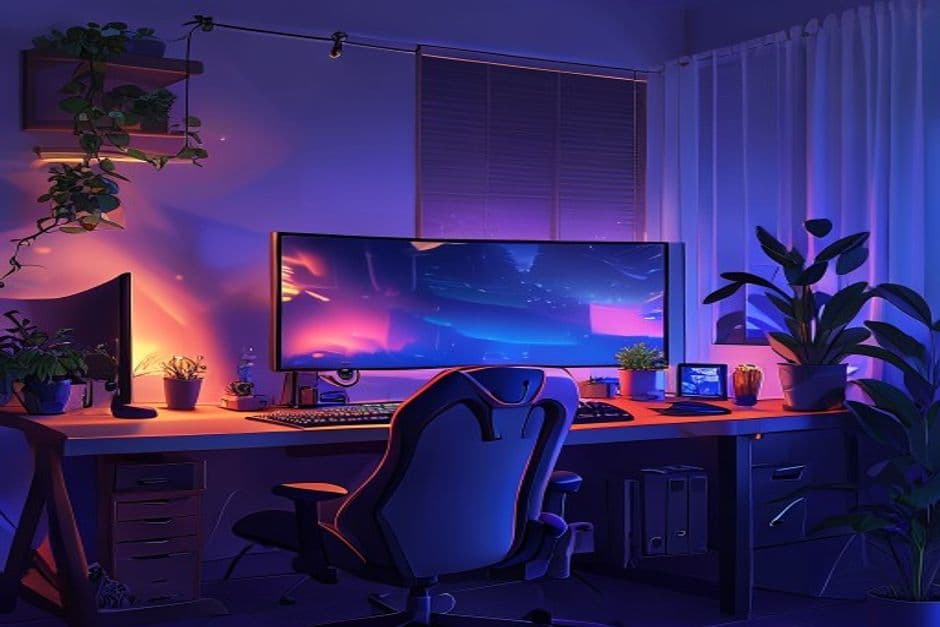
Search 'gaming setup' and you'll drown in RGB and four-monitor towers. Most of it is theatre. The setup that helps you actually play better is quieter, cheaper, and built around two things: comfort and consistency.
Start with the chair, not the GPU
Your longest sessions are decided by your back, not your benchmark. A neutral wrist angle and a screen at eye level will do more for your win rate than another hundred frames you can't perceive.
Spend where latency lives
- ✓A wired connection beats a flashy router for competitive play.
- ✓A 120Hz+ panel is the single most-felt upgrade once you've tried it.
- ✓Low-latency peripherals matter more than expensive ones.
“The best upgrade I ever made was a $20 ethernet cable. Suddenly the game stopped lying to me about where my opponents were.”
— r/NexusPlay community thread
Build the boring parts first. Once comfort and latency are handled, the cosmetic upgrades are just that — cosmetic, and all the more fun for being optional.